
Professional Brushes
Pencil, crayon, marker, pen, brush — 5 brush types with adjustable opacity and hardness.
Capture every stroke. Multiple professional brushes, free layer management, shape editing, and text tools — perfect for both kids' sketches and your everyday ideas.
Powerful features hidden behind a simple interface
Pencil, crayon, marker, pen, brush — 5 brush types with adjustable opacity and hardness.
Multi-layer compositing, long-press to reorder, independent visibility — keep complex scenes tidy.
Move, scale, rotate and duplicate shapes after drawing — WYSIWYG.
Adjust font style, color, and size for expressive typography on canvas.
Customize brush parameters, save as presets, favorite the ones you love.
Auto-save with folder organization; one-tap access to recent works.
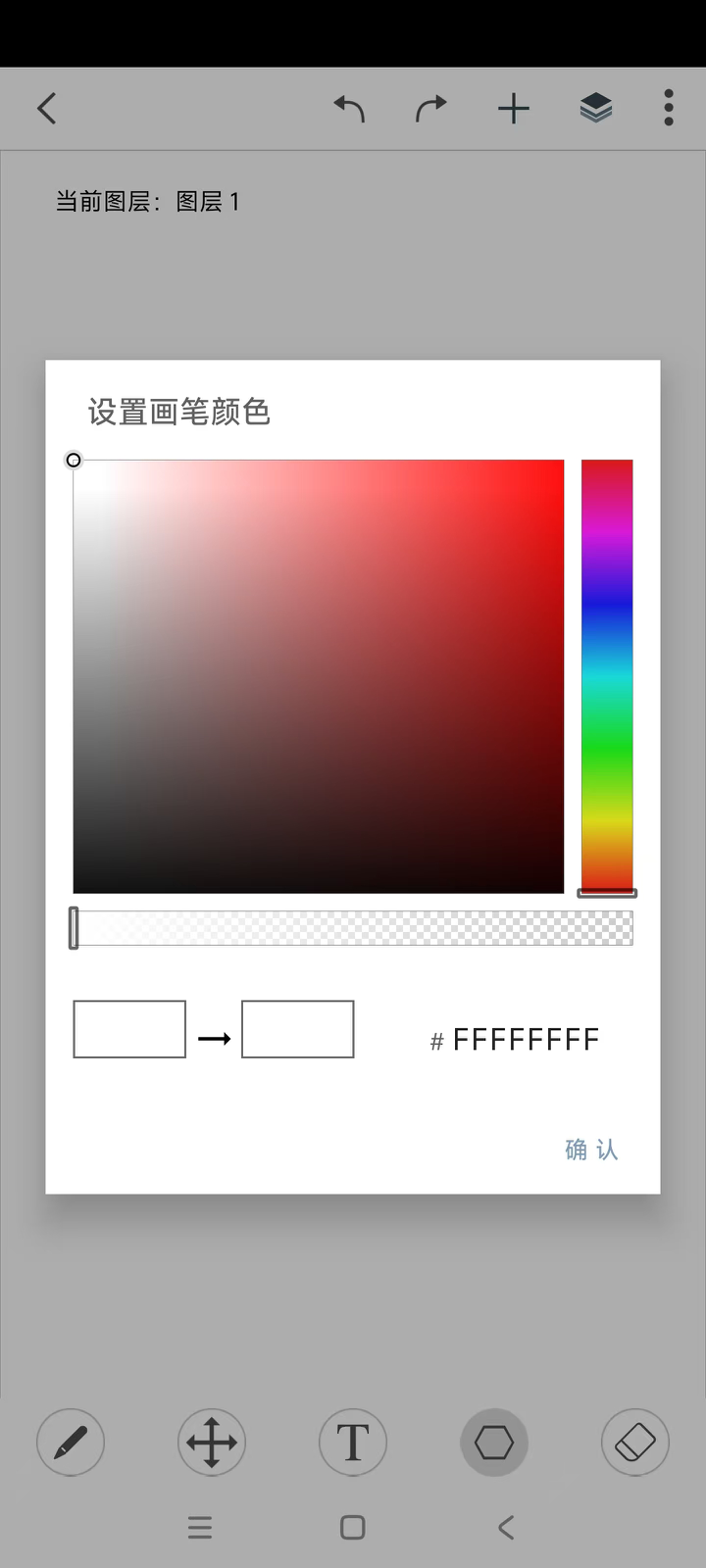
Real screenshots that show every detail
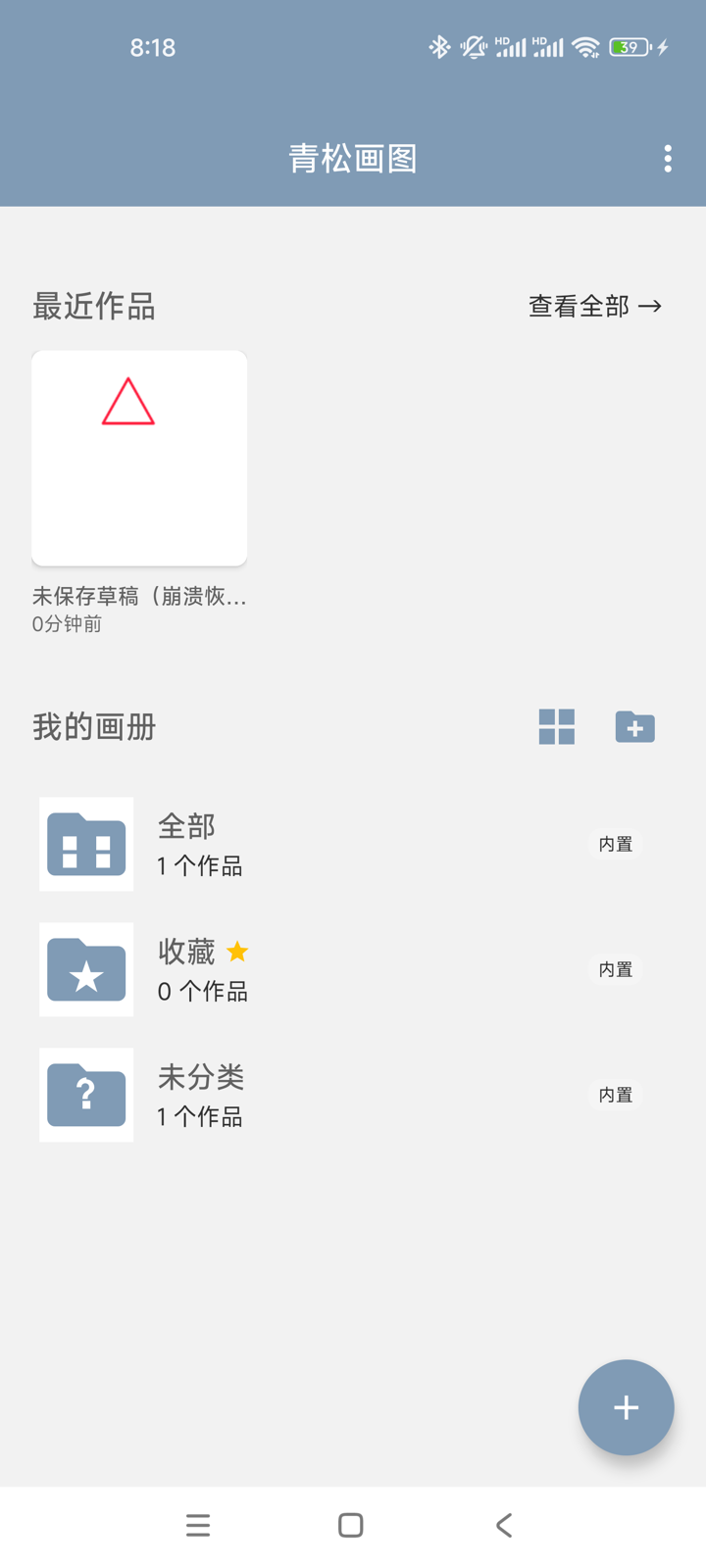
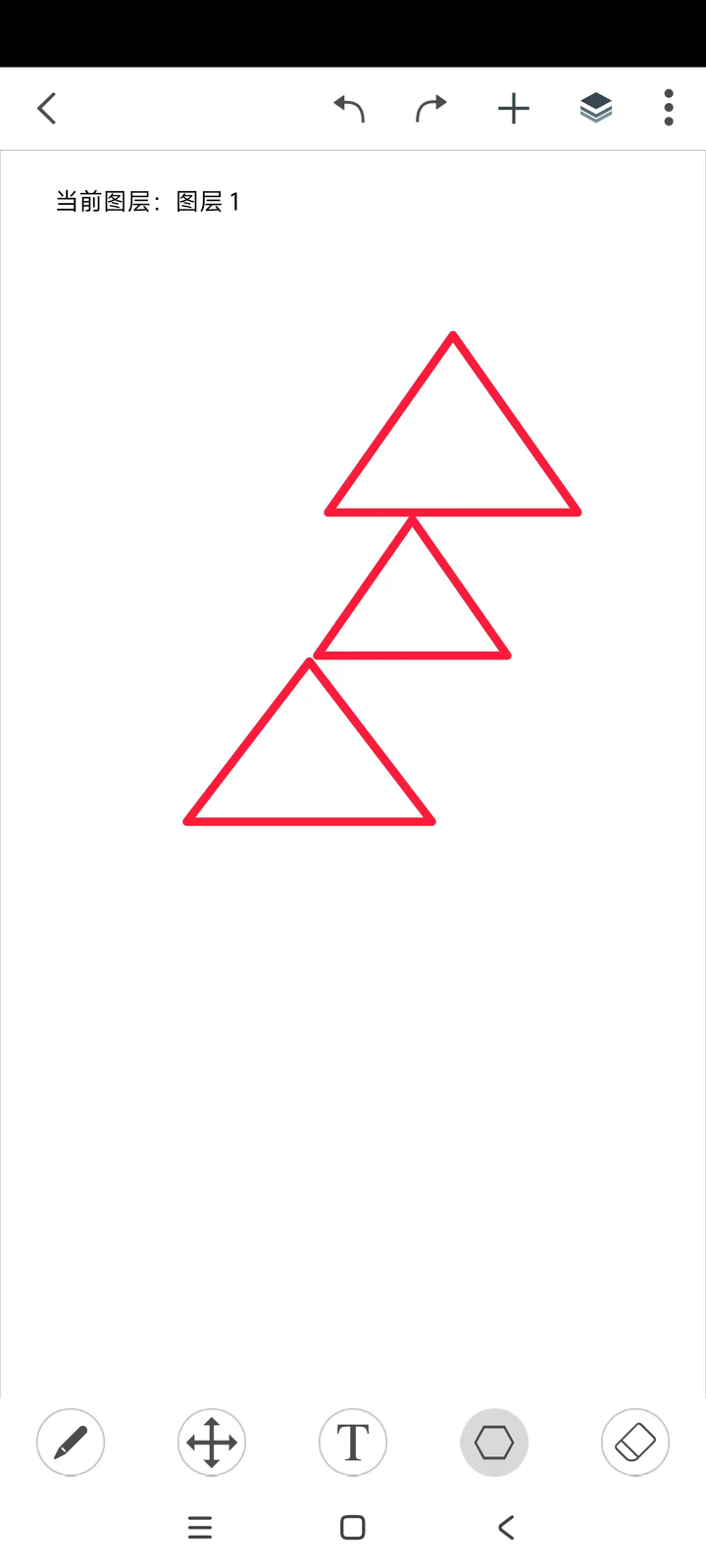
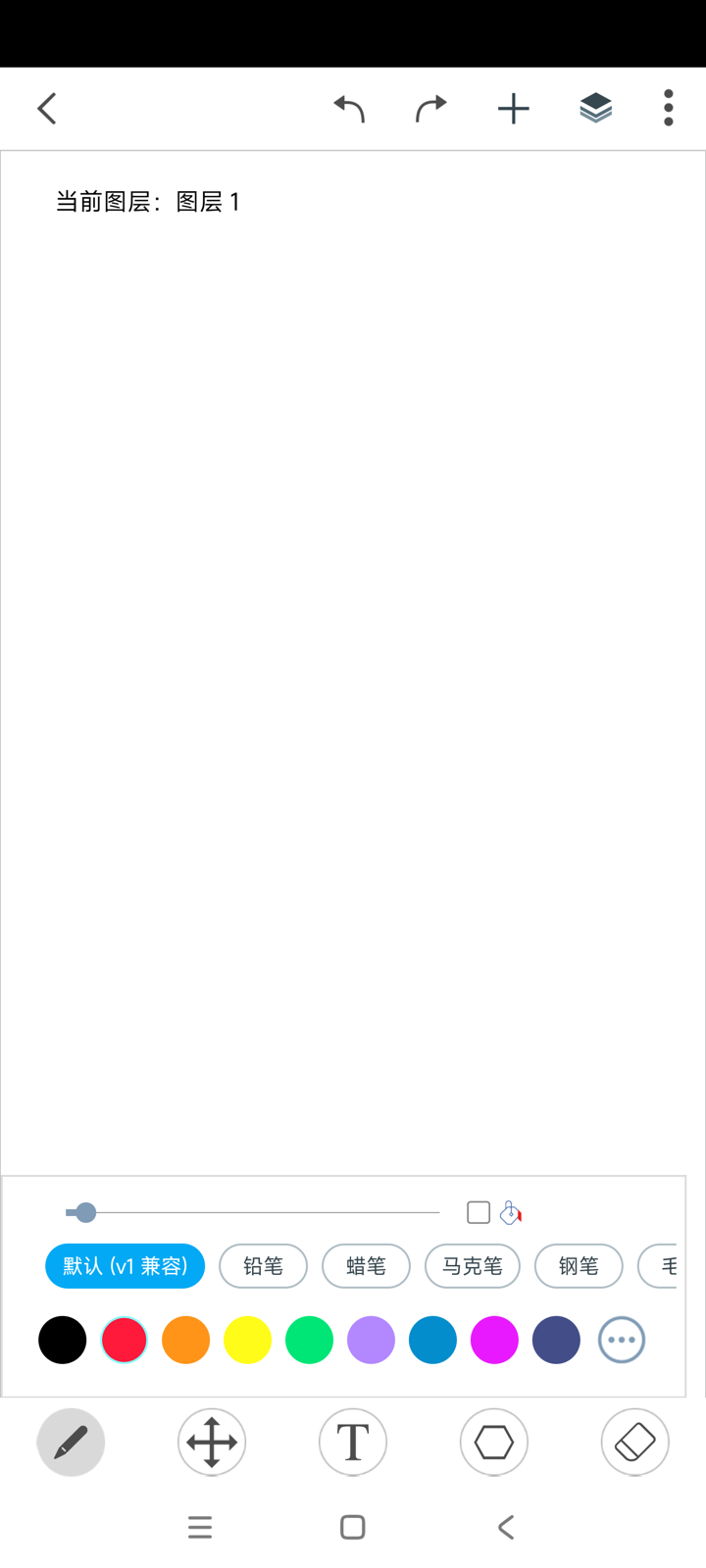
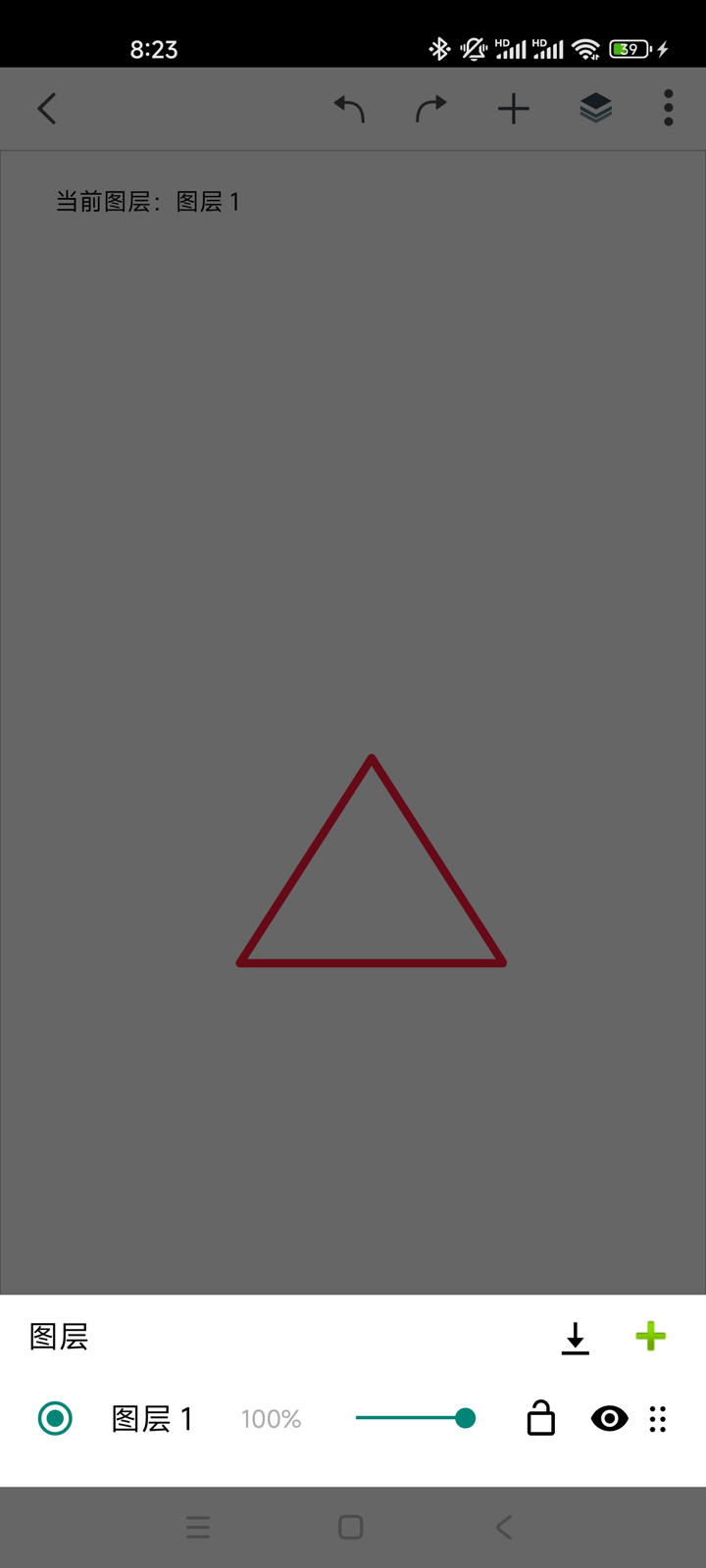
Less complexity, more focus
Multi-step history — every move is reversible.
Export to gallery or share directly with friends.
Simplified Chinese, Traditional Chinese, English, German, Russian, Italian, Japanese, Korean, Vietnamese.
Runs entirely on device — no ads, no noise.
Qingsong Drawing is a mobile drawing app for simple graphics and casual doodles. Designed for touch interfaces, it adds navigation brushes and move/scale/rotate/copy operations for shapes. Suitable for ages 4 and up — from kids' stick figures to your everyday ideas and tiny artworks.
We're committed to keeping it simple, popular, and easy-to-use.
"A little progress every day." —— Qingsong